'/%3E%3Cpath%20fill='%23b2b2b2'%20d='M241%20382q0%2016%2017%2026%2017%2011%2042%2011t42-11q16-11%2017-26V269H241'/%3E%3Cpath%20fill='%239f7e00'%20d='M241%20379q0%2014%208%2023%209%209%2021%209%2014%200%2021-9%209-9%209-23V269h-59'/%3E%3Cpath%20d='M241%20339v-70h59v110q0%2014-9%2023l-6%205v-68h-15v72q-8%200-14-4v-68zm59%2040c0%2022%2015%2032%2029%2032%2021%200%2030-18%2030-32v-40h-59'/%3E%3Cpath%20fill='%239f7e00'%20d='M266%20277v5h2v12h-3v-5h2v-5h-9v5h2v5h-4v9h3v18h-5v10h34v-10h-5v-18h3v-9h-4v-5h2v-5h-9v5h2v5h-3v-12h2v-5zm42%20101q0%2010%206%2017%206%206%2015%207%2010-1%2016-7%206-7%206-17v-29h-43'/%3E%3Ccircle%20fill='%230044ad'%20cx='329.5'%20cy='372'%20r='6'/%3E%3Cellipse%20fill='%230044ad'%20cx='300'%20cy='340'%20rx='16'%20ry='21'/%3E%3C/svg%3E)
'/%3E%3C/g%3E%3Cuse%20href='%23c'%20transform='matrix(-1%200%200%201%20720%200)'/%3E%3C/svg%3E)



Xerox Service Experience
in ServicesFax: 919293929199

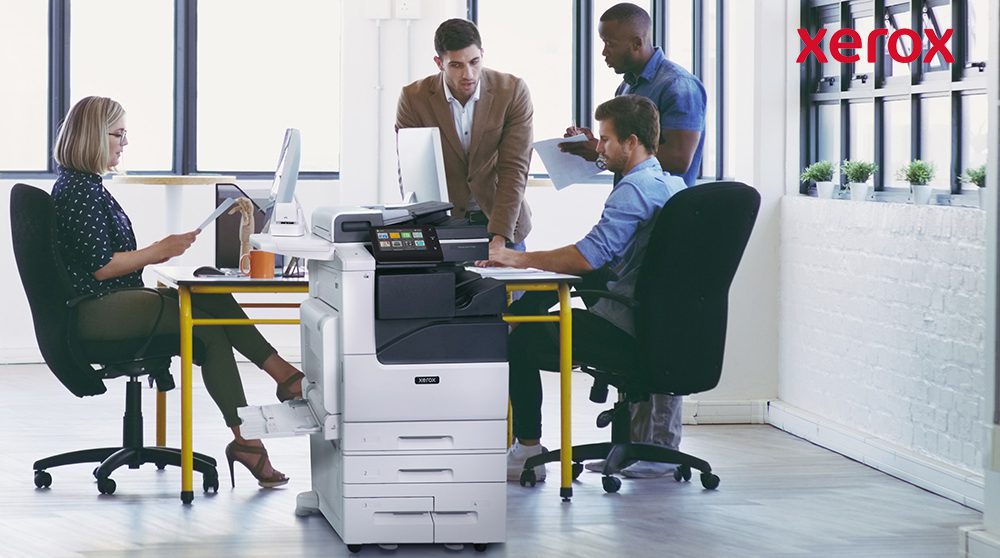
A better user experience begins with better connectivity
The Xerox service experience is designed to provide you with support that is simple, efficient and tailored to your needs. As remote and hybrid work become standard, their service model has evolved beyond traditional repair approaches, driven by technology, data, and sustainability demands.
Through self-service tools and customer portals, you are empowered to resolve issues quickly and stay in control. With a focus on innovation, flexibility, and reliability, Xerox ensures fast, remote solutions to maximise uptime and keep your operations smooth.
Xerox® Remote Services
Xerox devices are designed for self-monitoring, ensuring automatic adjustments, supply reordering, and 24/7 issue resolution before problems occur. Xerox Remote Services connects your devices to our support infrastructure, saving time and boosting productivity, all with security as a priority.
Key benefits:
- Automated meter reporting
- Supplies replenishment
- Real-time diagnostics
- Automated software updates
- Management of both Xerox and non-Xerox printers
Your data stays secure with no personal or sensitive information shared.
Get Connected
Visit How to Connect to Remote Services for instructions on connecting your devices to Xerox Remote Services.
Establish a connection that changes everything
Device Connectivity is critical to the delivery of an enhanced Xerox Service Experience, that is simple, efficient and provides the support you need.
Connectivity is based on a technology platform that provides a secure end-to-end system for connecting printers to the Xerox infrastructure.
Xerox AI proprietary technologies securely transmit critical service data, such as firmware versions, fault history, service items approaching replacement intervals, and diagnostic information.
Simply connect and ensure that all office and production devices are set up to share and transmit to Xerox systems.
Your Xerox device only shares data needed to maintain optimum performance, keeping your data safe at every step.
Your devices ONLY send relevant data via an encrypted channel on:
- Print device identity
- Hardware and software configuration
- Meter and other usage counts
- Toner levels
- Device diagnostic data
- Maintenance status, alerts and fault codes
Your devices will NOT share:
- Document contents
- Customer proprietary data
- Sensitive data
- Personal Identifiable Information (PII)
Connect in 3 steps, simplicity at its best
Step 1
Connect your Xerox® device
to your network
Step 2

Ensure secure transmissions are permitted in your firewall settings
Step 3
Verify that you are connected
Access step-by-step online support on www.xerox.com/remote-services
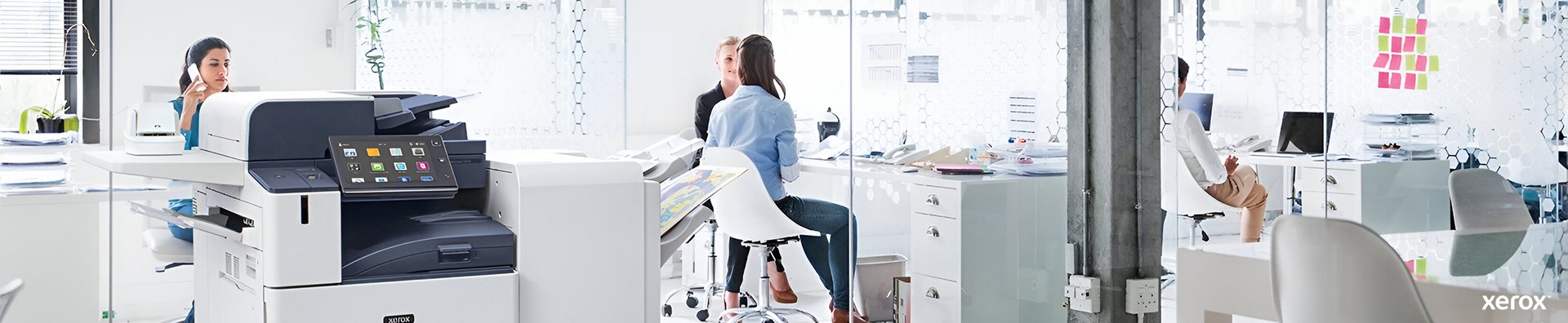
Together with Xerox, get connected to stay productive
Remember to check your connection after any of these actions to avoid interruptions.

Moving your device

Changes to firewall settings

Changes to network settings

Host PC for the device manager application turned off
Turning off the machine instead of using Sleep mode

Holiday shutdown
Keep it simple. Check your connection to ensure your devices always deliver.
Online Support tools at your fingertips from Xerox
Xerox has a range of online tools that are available to you to support your device management. You have 24/7 access to self-support content and use the latest insights, tools and helpful videos.








Xerox® Easy Assist App: An intuitive experience in the palm of your hand. A convenient, secure and easy-to-use mobile app that simplifies installation and provides real-time monitoring and management of your printer or multifunction printer (MFP).
Xerox Forums: Peer-to-peer forum where clients help each other with answers to questions about Xerox printer, software and app products. Visit Community Home page – Customer Support Forum and browse the community.
Xerox YouTube Channel: Clients can easily find all the videos for a particular product model using our Playlists. Visit Xerox Support – YouTube. Find easy, instant, online assistance from Xerox support. Search for your product in our playlist.
Xerox Knowledge Base: Easy, online portal where clients can search support, and information for their specific equipment. See here Product Support and Drivers – Xerox.
On-board device help: With intelligent printers that display what is going on intuitively so that any user can fix it by following the instructions and videos on the panel. Prevents the escalation of paper jams, empty paper trays and toner out etc.., to technical support. No tools or external diagnosis required.
CareAR Instruct: A simple to use mobile app with visually immersive, step-by-step guidance and instructional content to quickly and confidently complete routine maintenance tasks, troubleshooting and more.
Visit http://www.xerox.com/carear-instruct to select a compatible device, and click on your model for a QR code to install the app.